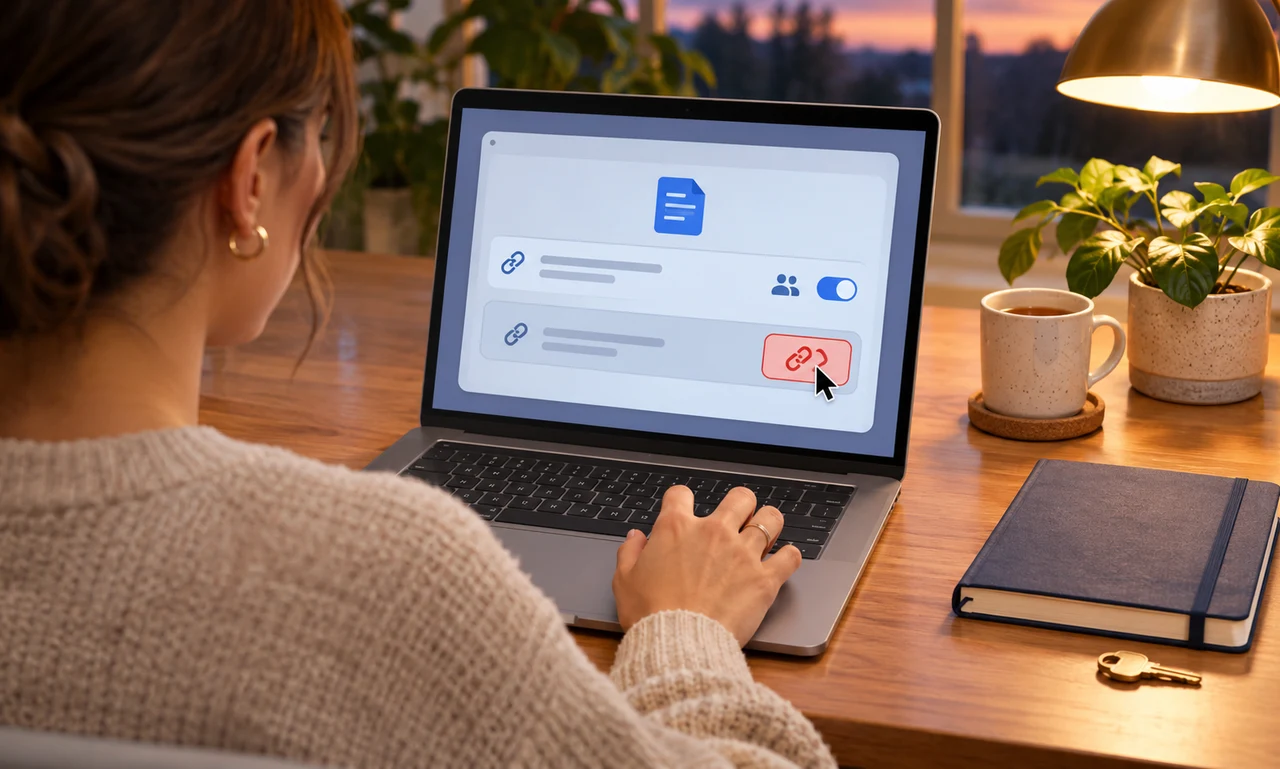
Identify what the link currently allows
Open the sharing settings from the official storage service or application. Check whether the link lets anyone view, comment, edit or download, and whether it has an expiry date.
Confirm that the handoff is complete before changing access. The recipient may still need time to save an approved copy, finish a review or move the file into the system where it belongs.
Follow workplace, school or client requirements for retention and delivery. Removing a link should not erase a record that the organization is required to keep.
Remove access at the right level
Revoke the public or temporary link when it no longer has a purpose. If named collaborators still need the file, preserve only the specific access that remains authorized.
Do not assume that changing the URL removes copies already downloaded or forwarded. Sensitive material needs a sharing decision before distribution, not only a cleanup step afterward.
If ownership is being transferred, confirm the new owner can manage access and recover the file. Do not delete your account or source copy until that responsibility is clear.
Check the result as a recipient would
Review the sharing panel after saving the change. The temporary link should no longer appear active, while intended collaborators and organizational controls remain in place.
Remove the old URL from project notes, chat messages or templates when appropriate so nobody treats it as a current delivery route. Avoid reposting a replacement link more broadly than necessary.
The useful boundary is simple: access lasts as long as the task requires. Closing the link at the end makes the handoff easier to understand and reduces one forgotten doorway into the file.
About this article
An original everyday guide from Everyday News. It offers practical ideas and perspective rather than firsthand reporting.