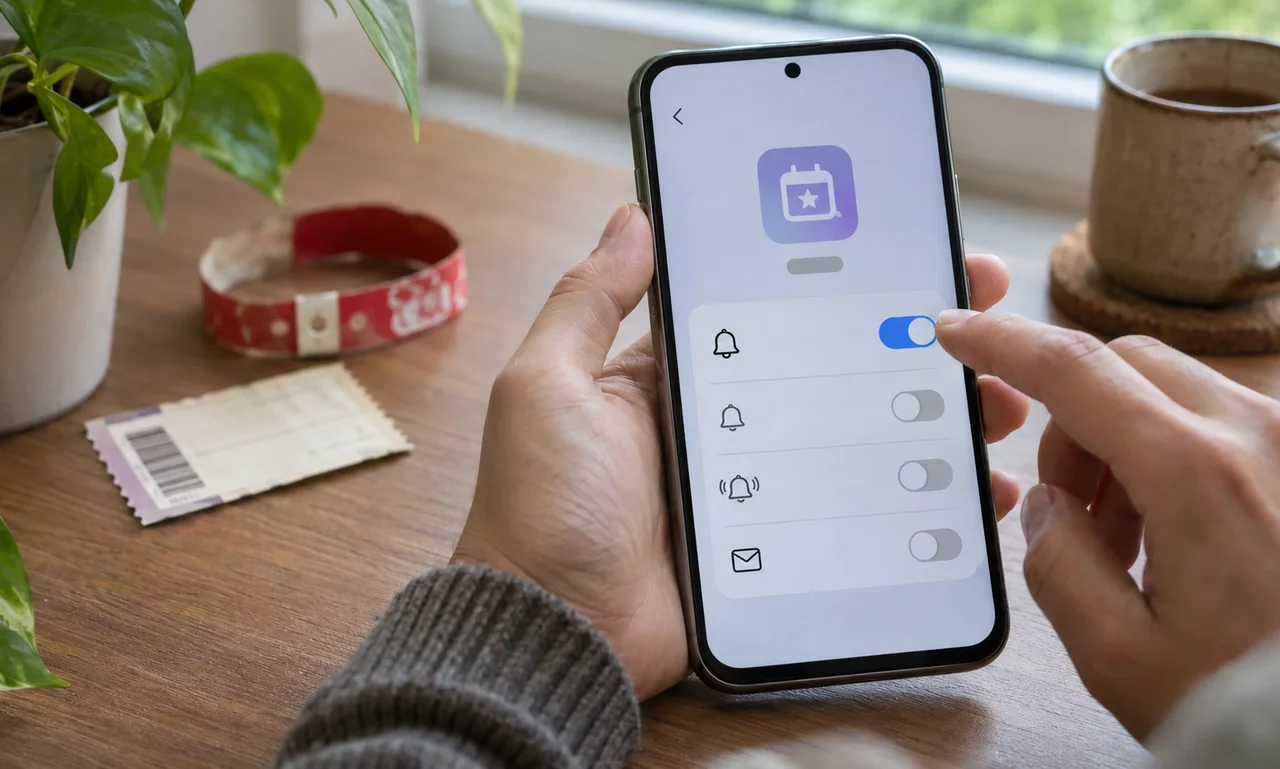
Find every channel the event used
An event may send updates through its app, email, text messages, calendar and ticket account. Check the channels you chose when registering instead of assuming that one switch controls them all.
Separate operational alerts from marketing. A notification about a ticket or refund may still matter after the final session, while promotional messages may no longer serve a purpose.
If the event relates to work or school, follow the organization’s record and communication rules before changing a managed account.
Turn off what has finished its job
Use the phone or app’s official notification settings to disable categories tied only to the completed event. Keep account security and purchase alerts when they still protect an active account.
Unsubscribe from optional email or text updates through the sender’s normal controls. Do not mark a legitimate service as spam merely because a temporary interest has ended.
Removing the app is a separate decision. First save any ticket receipt, attendance record or material you are entitled and required to keep in its proper location.
Close connected access as well as noise
Review calendar subscriptions, wallet passes and account connections created for the event. Remove expired items without deleting records another person or organization still depends on.
Check whether the service retains profile details, payment methods or permissions beyond notifications. Use its privacy and account settings to make deliberate choices rather than treating silence as proof that access has ended.
The useful review is brief: keep the alerts that still protect a real obligation and close the rest. A temporary event should leave useful memories, not a permanent stream of forgotten prompts.
About this article
An original everyday guide from Everyday News. It offers practical ideas and perspective rather than firsthand reporting.