Use the printer the space provides
Follow posted limits, payment rules and instructions before sending a large document. Preview the file, select the intended pages and confirm colour, size and double-sided settings where appropriate.
Stay close enough to respond to an error or collect pages promptly. Do not leave confidential, personal or client information sitting in an output tray.
If a job is unusually large, ask whether the shared printer is the right service. One person’s deadline should not silently consume all the paper or block a public device for an extended period.
Replace only the correct supply
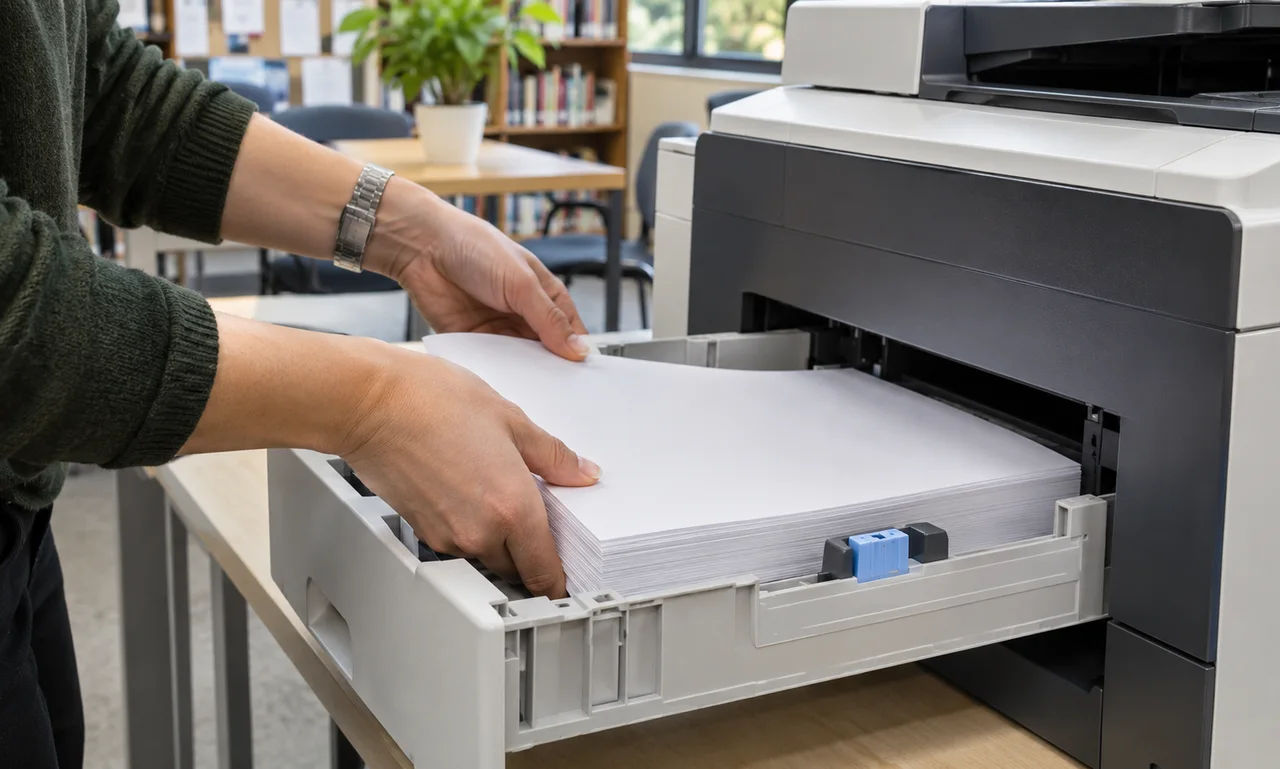
When the paper tray runs low, use the approved paper size and type from the location named by staff. Fan or align the stack only as the printer instructions recommend.
Do not overfill the tray, mix damaged sheets into the stack or open toner and service panels without authorization. A wrong supply can cause a jam or damage that affects every later user.
If paper is unavailable, tell the responsible person and leave an accurate status. Do not borrow specialty paper from another tray unless the rules clearly allow it.
Finish the print-room handoff
Collect the complete job, remove test pages and recycle ordinary mistakes according to local rules. Sensitive pages should go through the secure disposal process rather than a public bin.
Clear a paused job or unusual setting through the normal controls without cancelling another person’s work. Report recurring jams, streaks or error messages instead of repeatedly forcing the machine to continue.
The considerate finish is visible in what remains: a normal screen, a clear output tray and enough approved paper for the next person to begin.
About this article
An original everyday guide from Everyday News. It offers practical ideas and perspective rather than firsthand reporting.

