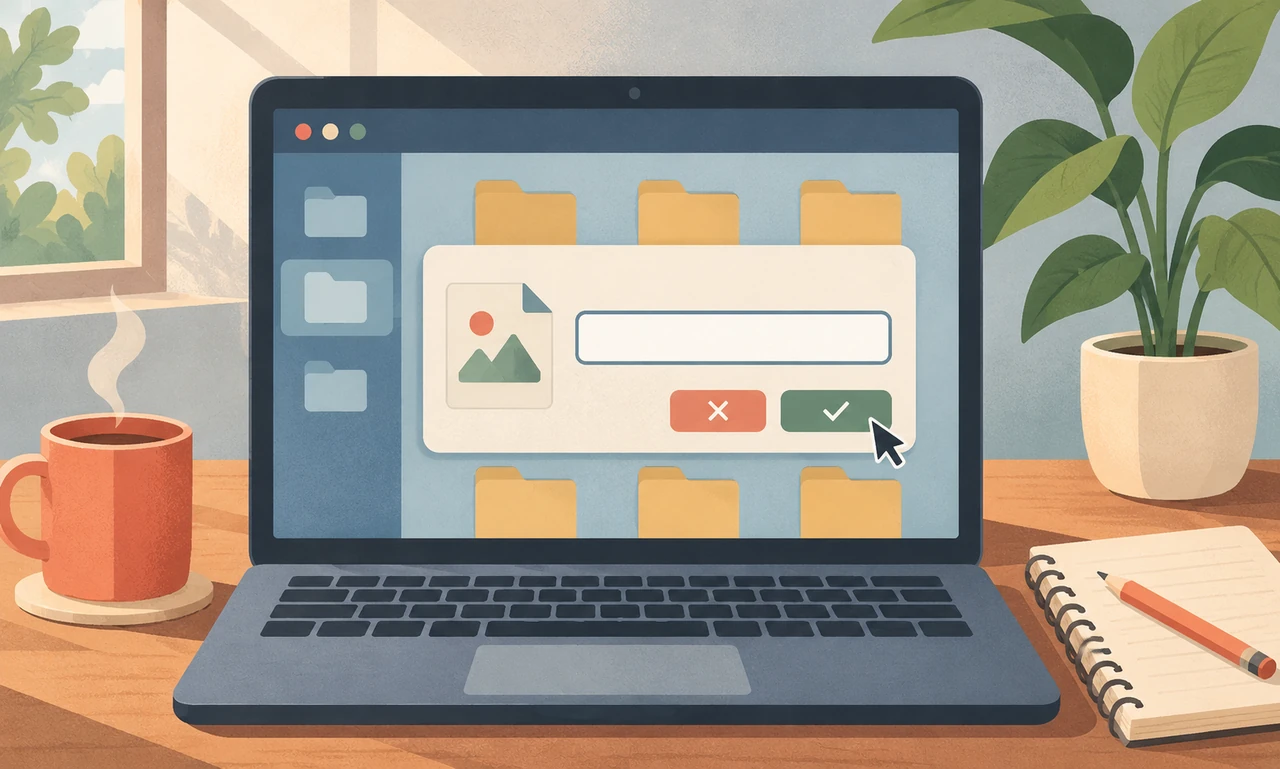
Name the thing, not the moment
Many files begin life as “document,” “scan” or “final.” Those names make sense while the work is open in front of you. A month later, they ask you to reconstruct the entire afternoon.
Before closing a file, give it three pieces of context: what it is, who or what it concerns and a date or stage when that distinction matters. “Building-meeting-notes-2026-11-18” says more than “notes-new.” Use terms you would naturally search for, not a private code you will have to decode later.
Keep the structure modest. A filename is a label, not a summary of every paragraph. If the application, workplace or shared folder has a naming convention, follow it so other people can find the file too.
Use versions deliberately
Words such as “final,” “latest” and “new” lose meaning as soon as another edit appears. If versions matter, use a simple sequence such as v01, v02 and v03, or add a clear status such as draft, reviewed or approved when that status has an agreed meaning.
Dates are most useful in year-month-day order because files sort chronologically. Do not add a date merely to make the name look organized; include it when the document changes over time or belongs to a particular event.
Avoid duplicating sensitive personal information in the filename. Names can appear in recent-file lists, search results, backups and shared links even when the document itself is protected. Put only the context needed to identify the file safely.
Finish with the folder
A strong filename still needs a sensible home. Save the file in the project or subject folder where you would look for related material. If you cannot decide between several places, choose one primary location and use links or shortcuts rather than creating uncontrolled copies.
Take ten seconds to confirm that the file opens and that you know where it was saved. For important material, use the backup and retention practices appropriate to your organization or household. Naming is helpful, but it is not a backup strategy.
The habit is small enough to attach to an existing action: save, name, place, close. Its reward arrives later, when a search result makes sense at a glance and the right document can be opened without a tour through “final-final-2.”
About this article
An original everyday guide from Everyday News. It offers practical ideas and perspective rather than firsthand reporting.