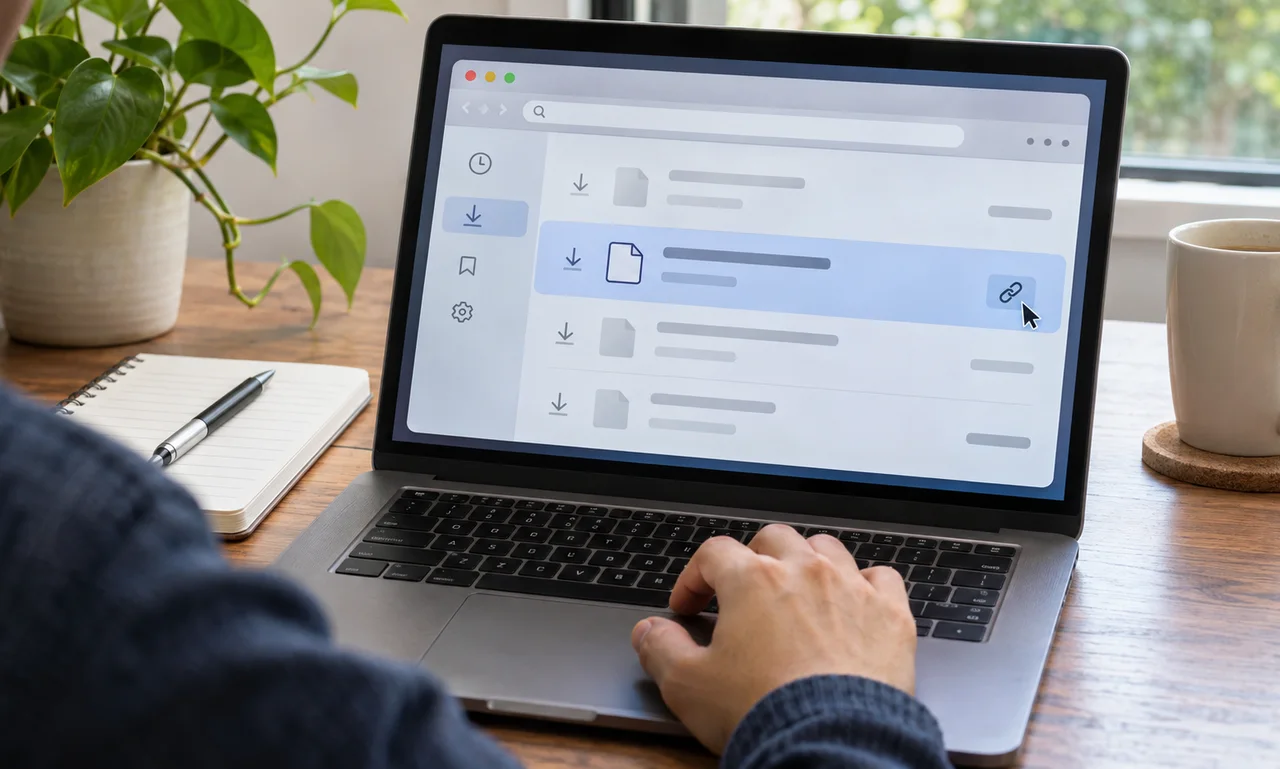
Start with the download record
Open the browser’s downloads view and locate the file by name, date or file type. The list may show the originating website or offer a link back to the page where the download began.
Use only a browser profile and device you are authorized to review. A shared or managed computer may contain another person’s history or follow an organization’s retention policy.
Do not open an unfamiliar file merely to identify it. Check the filename, extension and source first, and follow current security guidance when the origin is uncertain.
Return to the page, not just the file
If the browser provides a source link, open it and confirm the page title, publisher and surrounding explanation. A document can lose important context when it is separated from the page that described its purpose.
Check whether the page has changed since the download and whether a newer version is available. For forms, schedules, policies or technical instructions, the most recent official copy may matter.
Treat a website address as one clue rather than proof that a file is trustworthy. Verify the publisher and use the organization’s official navigation when the link or page looks unexpected.
Save enough context for later
Rename the file clearly only after confirming what it is, and keep the extension unchanged. Add a date or version when that distinction will help, without placing sensitive personal information in the filename.
Bookmark the source page or store a short source note beside the file when you expect to revisit it. Follow workplace or school rules for records that belong in an approved system rather than a personal folder.
The download list is more than a trail of saved files. Used carefully, it reconnects a document with its origin and makes the next decision easier to explain.
About this article
An original everyday guide from Everyday News. It offers practical ideas and perspective rather than firsthand reporting.