Separate the visit from the main network
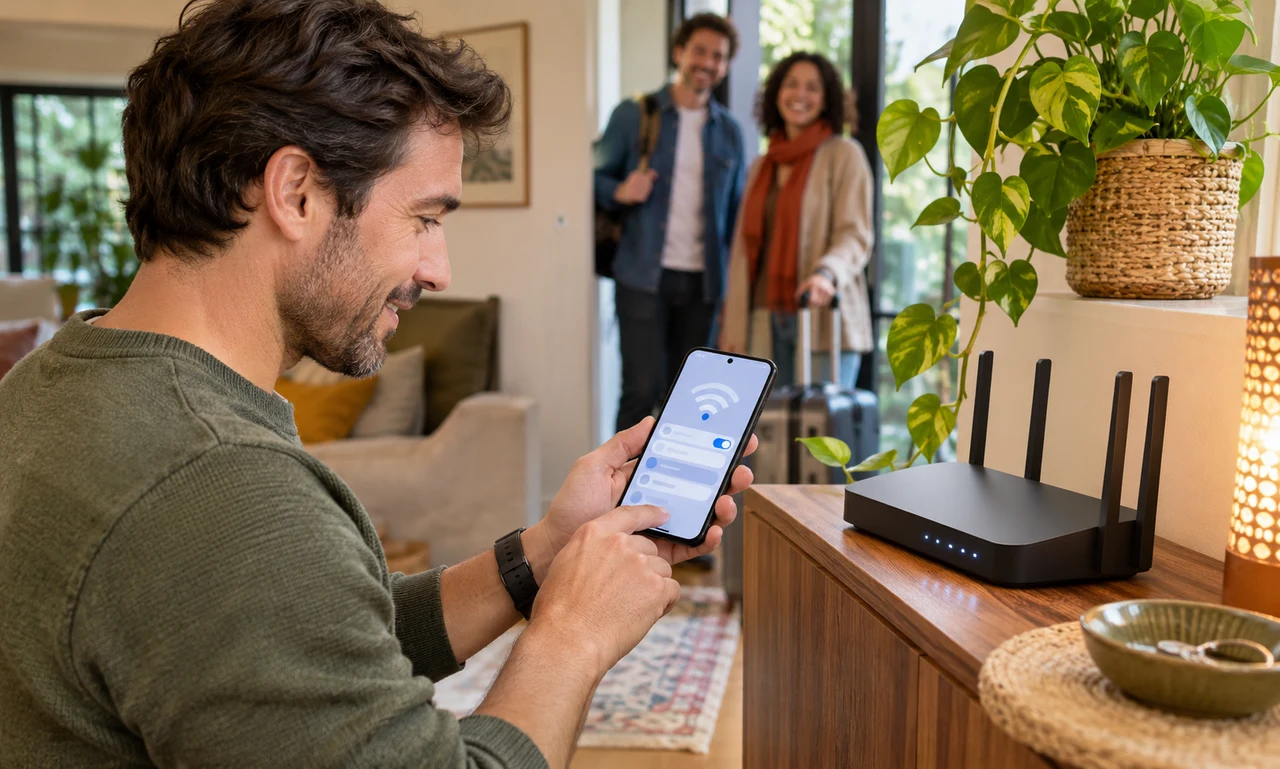
Many home routers provide a guest network that is distinct from the connection used by household computers, storage and connected devices. When the feature is available, it can make a visitor’s access simpler to manage.
Open the router maker’s official app or administration page from a trusted device. Feature names and protections vary, so read the documentation for the specific model rather than assuming every guest network behaves in the same way.
Turn on only the access the visit needs. If the controls include local-network or device discovery, decide carefully whether guests need it for something such as a shared printer or television.
Share access without exposing the main password
Give the guest network a recognizable name that does not reveal an address, surname or other private detail. Protect it with a unique, strong passphrase and current security settings supported by the router and visiting devices.
Share the guest credentials directly or through the router’s official sharing feature. Do not post them in a public place, and avoid sending screenshots that reveal unrelated settings, account details or the main network password.
Guests should still use normal online precautions. A separate network is not a promise that every connection, website or device is safe, and no visitor should be asked to weaken their own security to join it.
Review the network after guests leave
When temporary access is no longer needed, disable the network or change its passphrase if that fits the household’s routine. Review the connected-device list without trying to inspect a guest’s private activity.
Keep the router’s software current using the maker’s official instructions. Save configuration changes carefully, and do not reset the router or alter service-provider settings unless you understand the effect and can restore access.
A guest network is a modest boundary. It welcomes a visitor’s phone or laptop for the length of the stay while helping the household keep its main connection, devices and credentials to itself.
About this article
An original everyday guide from Everyday News. It offers practical ideas and perspective rather than firsthand reporting.