Know what the television remembers
A shared television may retain more than a viewing history. Streaming apps can keep a profile signed in, display recommendations, offer purchases or reveal names and account settings to the next person who uses the screen.
Before signing in, look for a guest mode, temporary code or casting option that avoids storing credentials on the device. Use only the official app and the network you expected to join. Do not enter a password if the screen or sign-in page looks unfamiliar.
The television, streaming device and app may each hold separate sessions. Signing out of one service does not necessarily remove every account connected during the stay.
Remove the session before leaving
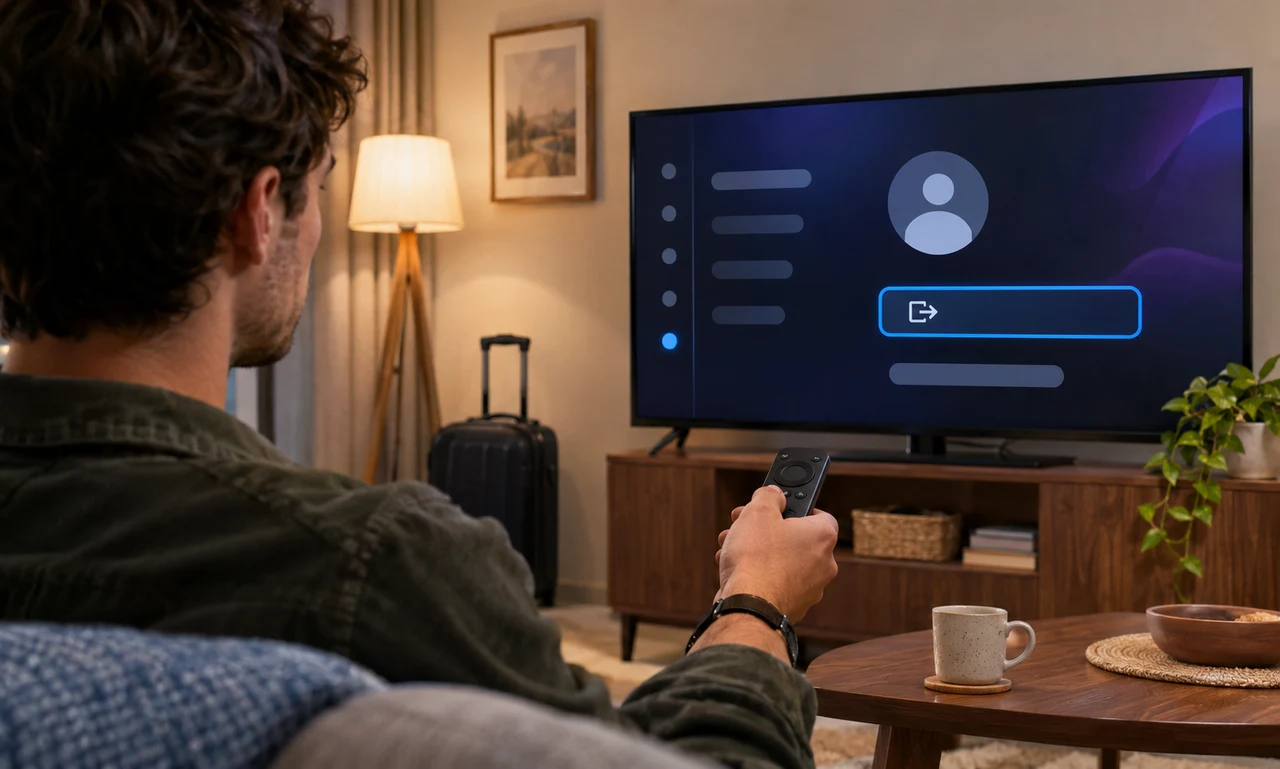
Open each app you used and choose its official sign-out or remove-account control. Then review the television or streaming device’s user and account settings for any profile, pairing or saved connection that belongs to you.
Do not reset a television you do not own unless the owner or rental instructions explicitly authorize it. A factory reset can erase another person’s settings and accessibility choices. Removing your own session is usually the narrower and more respectful step.
If you entered payment information or enabled a purchase PIN, confirm that those details are no longer available from the screen. Keep the remote in its proper place and leave the device ready for the next user.
Close access from your account when needed
If you have already left, use the service’s official security page to review signed-in devices. Remove the unfamiliar or shared television session, and use any “sign out everywhere” option only after considering other devices that will also be disconnected.
Change the password if it was exposed, reused on an untrusted device or entered into a suspicious page. Review recent account activity and purchases, and contact the service through its official support channel if something is wrong.
Signing out is a departure routine, like checking a drawer or returning a key. It separates a personal account from a shared screen and keeps the end of the visit as clear as the beginning.
About this article
An original everyday guide from Everyday News. It offers practical ideas and perspective rather than firsthand reporting.