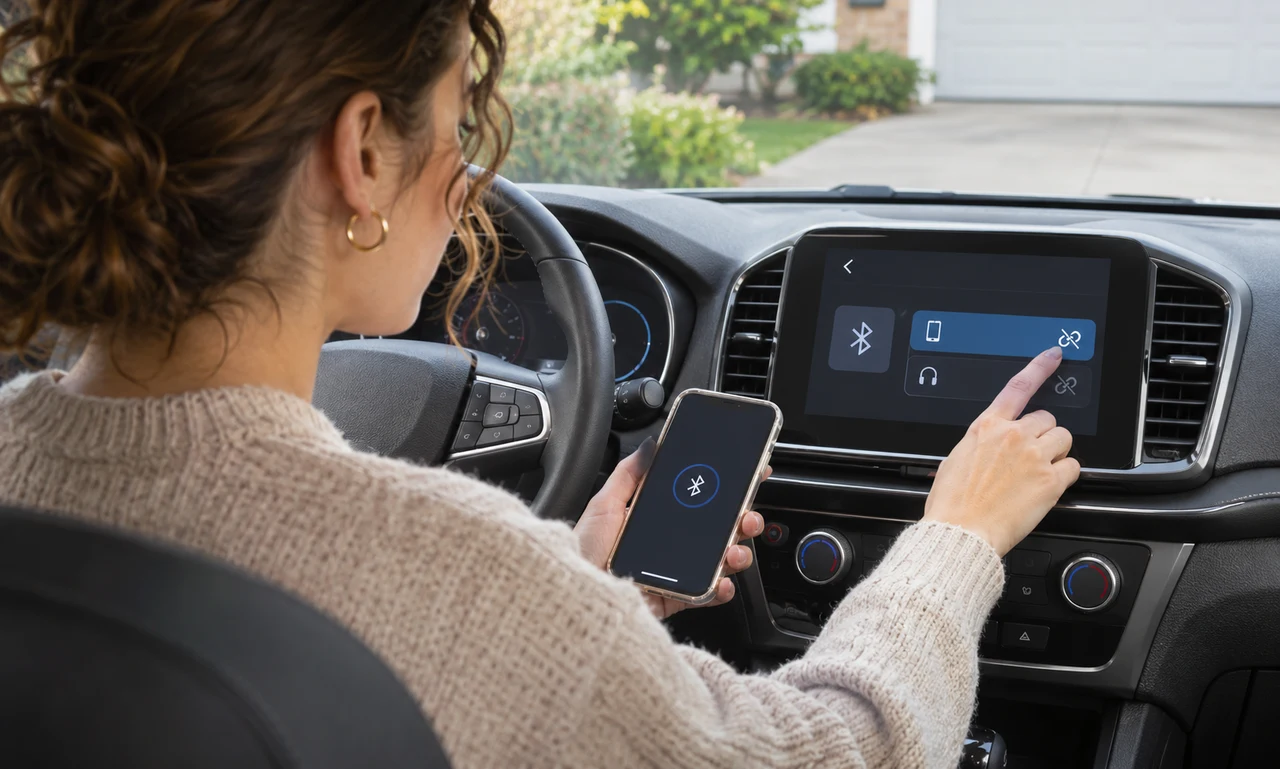
Connect only what the trip needs
A car may ask for access to contacts, recent calls, messages, audio and location-related features when a phone is paired. Read each request before accepting it and allow only the functions needed for the trip.
If the vehicle supports a temporary, guest or wired mode, consider whether that provides enough access without creating a lasting profile. Use the car’s official controls and avoid interacting with settings while driving.
Borrowed, rental and shared vehicles can store information from many users. Do not browse another person’s contacts, destinations or call history if the system displays them.
Remove the pairing before returning the keys
Park safely, switch off driving functions and open the vehicle’s phone or connection settings. Select your device and use the official remove, forget or delete control. Menu names vary, so follow the vehicle manual when necessary.
Check whether a separate user profile, recent destination, favourite address or voice record was created during the trip. Remove only your own information. Do not reset the entire system or erase another driver’s settings without the owner’s permission.
On the phone, forget the vehicle’s Bluetooth connection if you no longer expect to use it. Disconnect any cable and take adapters or mounts that belong to you.
Finish the cleanup from a safe place
Review the dashboard once more before leaving the vehicle. Confirm that your phone no longer appears as an available device and that personal details are not visible. A disconnected phone is not always the same as a deleted pairing.
If the car has already been returned, consult the vehicle maker, rental company or sharing service for its official privacy controls. Some connected services also provide an account page where a vehicle link can be removed.
The cleanup takes only a few minutes, but it closes several paths at once. The keys return to the owner, the phone returns to your pocket and the digital connection between them ends with the trip.
About this article
An original everyday guide from Everyday News. It offers practical ideas and perspective rather than firsthand reporting.