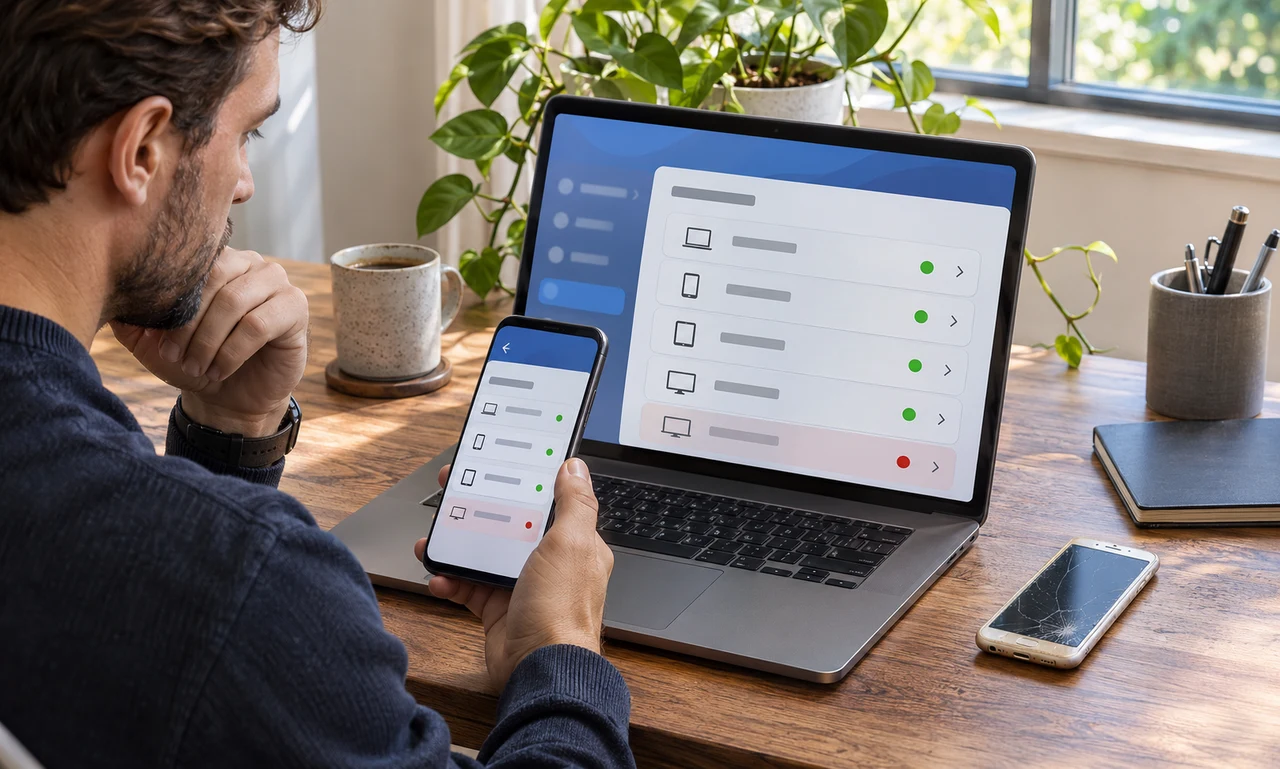
Open the official device list
Use the account provider’s official app or website and find its security, sessions or device-management page. Menu names differ, so consult the provider’s support information when the path is unclear.
Read each entry carefully. A device may appear under a model name, browser, approximate location or recent activity time that needs context before it can be recognized.
Do not remove a device simply because the label looks unfamiliar. First compare it with the phones, computers, televisions and shared systems you currently use.
Sign out what no longer belongs
Remove or sign out a device you sold, returned, recycled or stopped using. Also close sessions on borrowed or public equipment after confirming that the action will not interrupt a device you still need.
If an entry cannot be explained, follow the provider’s official security steps. That may include changing the password, reviewing recovery information and enabling a suitable additional sign-in check.
Never approve an unexpected prompt or share a verification code with someone who contacts you. Account providers do not need a code from you to investigate a suspicious session.
Finish the device before letting it go
Removing an online session is only part of retiring a device. Back up needed information, sign out of services and use the maker’s official erase or reset process before transferring ownership.
Remove the device from tracking, payment or family-sharing services when appropriate. Keep records needed for warranties, work requirements or organizational asset returns.
Reviewing the list occasionally keeps it understandable. Each remaining entry should correspond to a device or session you can still identify and intend to use.
About this article
An original everyday guide from Everyday News. It offers practical ideas and perspective rather than firsthand reporting.