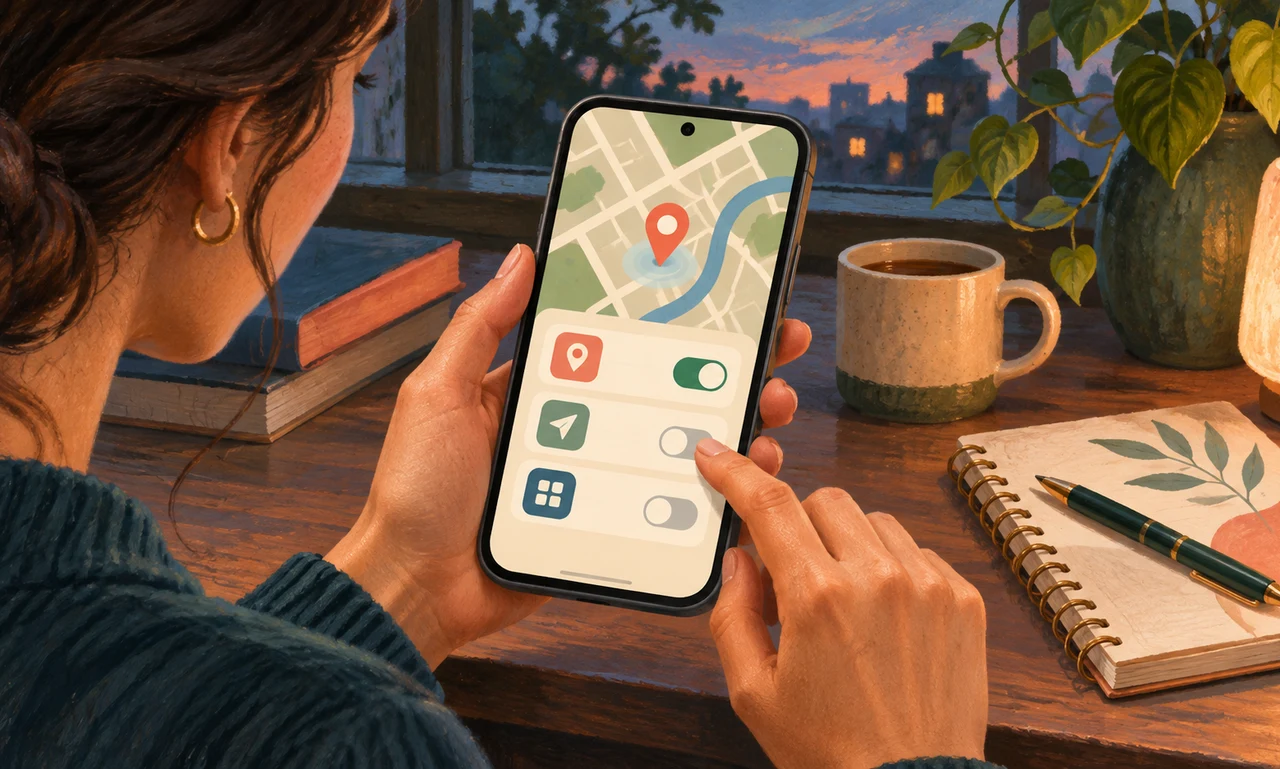
Begin with the system list
Phones provide a central place to review location permissions, although the exact menu names differ by device and software version. Open the official settings and look for privacy, permissions or location services rather than relying on an advertisement or an unfamiliar cleanup app.
Read the list one app at a time. Some tools need location to perform a feature you actively use, such as navigation or finding a nearby service. Others may have received permission during setup even though you no longer use that part of the app.
Do not treat every entry as proof of improper activity. A permission shows what an app may be allowed to request, not a complete account of what it has done. The useful question is whether the current access matches your current use.
Choose the narrowest useful permission
Common choices include never allowing location, allowing it only while the app is in use, asking each time or permitting ongoing access. Some systems also let you provide an approximate location instead of a precise one. Select only an option that preserves the feature you actually need.
Change one or two uncertain permissions, then test the relevant feature. If a transit app cannot find a nearby stop, you can decide whether to restore limited access or enter the location manually. A reversible test is better than changing every setting and later wondering what broke.
Be cautious with safety, emergency, accessibility, family or work-managed services. Understand how they are meant to function before changing them, and follow organizational requirements on a managed device. Privacy choices should be informed, not hurried.
Return after habits change
Permissions can accumulate when you install an app for a trip, an event or a one-time task. Set a modest reminder to review them after a phone upgrade or a period of installing new apps. Remove apps you no longer trust or use through the device’s normal uninstall process.
Location privacy also involves shared photos, account history and connected devices. Review those controls separately using the provider’s official guidance. A permission screen is an important starting point, but it is not a complete map of every place information may appear.
The practical aim is simple: access should have a present reason. When an app still helps you navigate, limited location permission may be appropriate. When its purpose has passed, the permission can pass with it.
About this article
An original everyday guide from Everyday News. It offers practical ideas and perspective rather than firsthand reporting.